Anti-Counterfeit Series 9: How Deep Is the Type-C High-Speed Cable Rabbit Hole?
They look identical, but the price differs tenfold
Industry Anti-Counterfeit Column | 2026-10-06
Two Type-C to Type-C cables - one costs a few dollars, the other over a hundred. They look almost identical. What's the difference? The answer is simple: it's in the parts you can't see. Type-C high-speed cables are currently the most rampant and hardest-to-spot category of data cable fraud. Today we'll dig into the pitfalls of Type-C high-speed cables.
Type-C Cables Come in All Grades
Type-C is just the connector shape - it doesn't indicate performance. Two Type-C cables can have wildly different internal specifications:
Type | Data Rate | Charging | Key Difference | Price Range |
Charge-only | None | 2-3A | Only power wires, no data pins | $1-$3 |
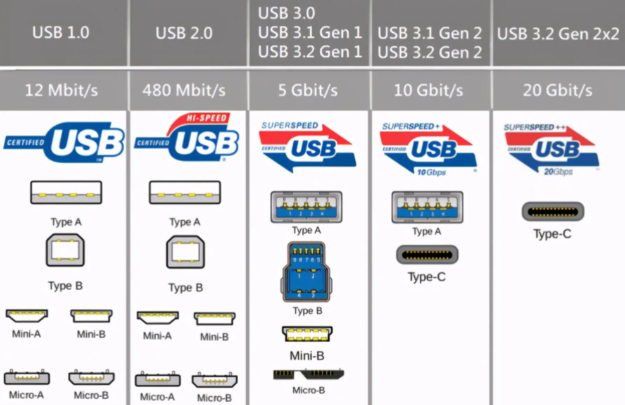
USB 2.0 | 480Mbps | 3-5A | 4 cores, data works but slow | $2-$5 |
USB 3.2 10Gbps | 10Gbps | 5A/100W | Full high-speed cores + shield + E-Marker | $8-$20 |
USB4 / Thunderbolt | 40Gbps | 5A/100W+ | Coaxial signal + Retimer chip | $25-$80 |
Counterfeit Tactics
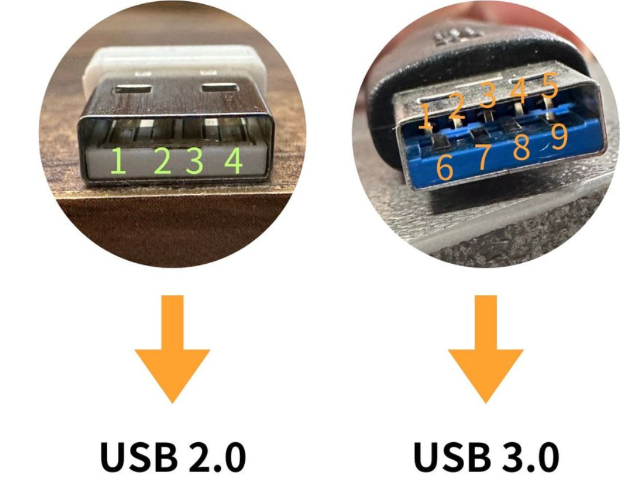
Tactic 1: USB 2.0 posing as USB 3.2Type-C cables that look exactly the same on the outside but only have 4 USB 2.0 cores inside, yet labeled USB 3.2. It charges and transfers data, but at only 480Mbps. You'd never notice without careful testing.
Tactic 2: Passive cable posing as active cableLong-distance (>1m) USB4/Thunderbolt high-speed cables require built-in Retimer/Redriver chips to compensate for signal loss - these are "active cables." Fake ones have no chip but claim 40Gbps; in reality they only run at USB 3.2 or lower speeds.
Tactic 3: Regular cable posing as full-featureA full-feature Type-C cable should support high-speed data, video output (DP Alt Mode), and PD fast charging all at once. Fake ones only have data + charging, no video output support, but are marketed as "full-feature."
How to Tell?
1. Check package parameters: Legitimate products clearly state the USB version, transfer speed, PD power rating, and whether video output is supported. The vaguer the specs, the more suspicious the product.
2. Check USB-IF certification: High-speed Type-C cables with certification offer relatively assured quality. Look up the TID number on the official website to verify.
3. Test the speed: The most reliable method. Test sequential read/write speeds with a solid-state USB drive or external SSD. If it doesn't reach the advertised rate, it's fake.
4. Test video output: If it claims to support video output, connect it to a Type-C monitor or dock and see if it can drive 4K 60Hz.
Conclusion
Type-C high-speed cables are the most technically demanding and highest-margin category - and also the most counterfeited. Before buying a Type-C cable, first figure out what you need it for: if you just need charging, buy a charging cable; if you need data transfer, buy the appropriate speed rating; if you need to connect a display, buy a full-feature cable. When your needs are clear and you combine certification checks with real-world testing, you'll waste a lot less money.
StongWire Technology
Quickly connect everything and send it worldwide
Website: https://www.stongwire.com
Alibaba: https://stongwire.en.alibaba.com
WhatsApp: +86 15976150776
E-Mail: lanzhou@stongwire.com


 2026 New 240W Type-C Cable USB C Adapter with PD Fast Charging Pure Copper Conductor Silicone Jacket
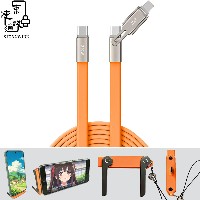 2026 New Stand Data Cable 240W Type C to Type C Cable with Travel Holder Adapter for Xiaomi Huawei L
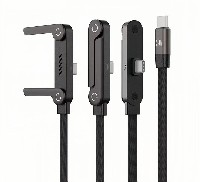 2026 NEW 240W Fast Charging Cable with Phone Stand Nylon Braided Cable USB C Type C Data Cable PD3.1
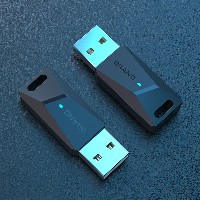 ST-BTR002 Forming Bluetooth receiver Stable and non lagging in car Bluetooth audio cable
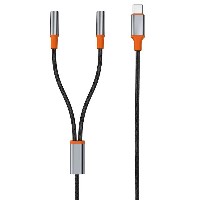 ST-YP-31 L1 type L-dual 3.5mm audio TYPE-C audio head to 3.5mm charging+3.5mm audio socket
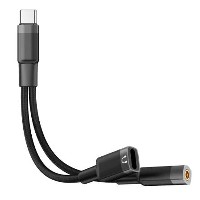 ST-YP-103 Type-C Audio & Charging 2-in-1 Cable (Braided Short Version)
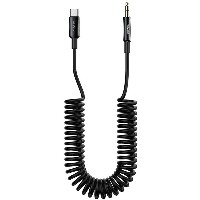 ST-YP-101 Type-C to 3.5mm High-Elasticity Audio Cable (Zinc Alloy Spring Cable Edition)
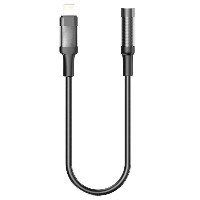 ST-YP-102 Lightning to Bluetooth Audio Transmitter (Braided Transparent Short Version)