Science | A Complete Guide to USB Connector Types
From Type-A to Type-C - understanding the evolution
Industry Knowledge | 2026-10-25
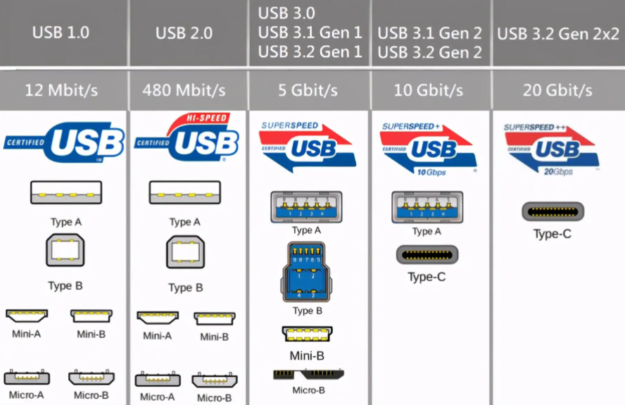
When people hear "USB connector," most picture that flat rectangular plug on their computer. But USB connectors have evolved over 20+ years into many different shapes. Let's break down the most common types so you can tell them apart.
Type-A: The Classic
Type-A is the most familiar USB connector - that flat, rectangular port you see on computers, chargers, and flash drives. It has been around since the USB 1.0 era and is known for its durability, but it's large and one-directional (you can only plug it in one way).
Important note: Type-A is just the shape, not the speed. A Type-A port could be USB 2.0 (480Mbps), USB 3.2 Gen1 (5Gbps), or USB 3.2 Gen2 (10Gbps). You can usually tell by the plastic color inside - black is typically 2.0, blue is 3.0/3.2 Gen1, and teal is 3.2 Gen2.
Micro USB: The Android Era
Micro USB was once the standare for Android phones. It has a trapezoidal shape - narrower on top, wider on the bottom - and can only be inserted one way. While compact, Micro USB has a shorter plug lifespan (around 10,000 insertions) and limited current capacity.
Type-C: The Universal Future
USB Type-C is the current mainstream connector. Its key features are reversible design (works either way up), compact size, and powerful capabilities. Type-C can charge, transfer data, output video and audio, and even support reverse charging.
But here's the catch: Type-C is just the connector shape - it doesn't tell you anything about performance. One Type-C cable might only charge, another might do USB 3.2 data, and a third might support USB4/Thunderbolt with video output. Always check the actual specifications, not just the word "Type-C."
Lightning: Apple's Proprietary Connector
Lightning is Apple's proprietary connector, introduced in 2012 with the iPhone 5. It's small, reversible, and beautifully engineered. However, with the EU's common charger regulation taking effect, Apple has been transitioning to Type-C. The iPhone 15 lineup switched entirely to Type-C, and Lightning is gradually being phased out.
In a nutshell: When buying a cable, first check the connector shape matches your device, then look at transfer speed, charging power, and video support. The connector shape is just the shell - what's inside is what matters.
StongWire Technology
Quickly connect everything and send it worldwide
Website: https://www.stongwire.com
Alibaba: https://stongwire.en.alibaba.com
WhatsApp: +86 15976150776
E-Mail: lanzhou@stongwire.com


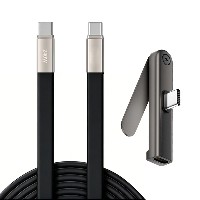 2026 New 240W Type-C Cable USB C Adapter with PD Fast Charging Pure Copper Conductor Silicone Jacket
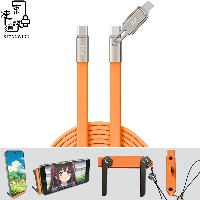 2026 New Stand Data Cable 240W Type C to Type C Cable with Travel Holder Adapter for Xiaomi Huawei L
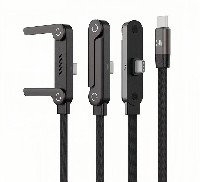 2026 NEW 240W Fast Charging Cable with Phone Stand Nylon Braided Cable USB C Type C Data Cable PD3.1
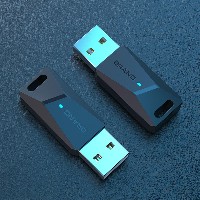 ST-BTR002 Forming Bluetooth receiver Stable and non lagging in car Bluetooth audio cable
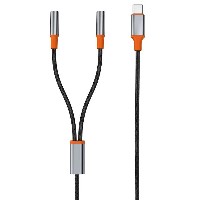 ST-YP-31 L1 type L-dual 3.5mm audio TYPE-C audio head to 3.5mm charging+3.5mm audio socket
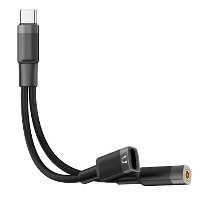 ST-YP-103 Type-C Audio & Charging 2-in-1 Cable (Braided Short Version)
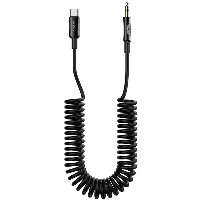 ST-YP-101 Type-C to 3.5mm High-Elasticity Audio Cable (Zinc Alloy Spring Cable Edition)
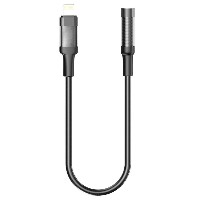 ST-YP-102 Lightning to Bluetooth Audio Transmitter (Braided Transparent Short Version)