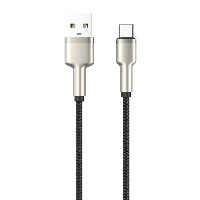
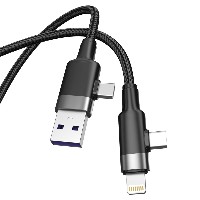
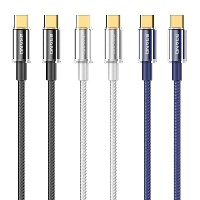
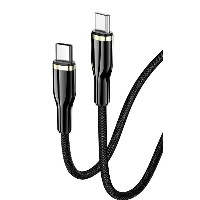
ST320 Digital Display Braided Fast Charging Data Cable
Product Overview
The ST320 series is a professional-grade fast charging data cable integrated with a high-precision power display function. By displaying the real-time charging power in watts (W), it allows users to intuitively monitor charging status and efficiency, breaking through the conventional market practice of only displaying current/voltage. This series offers four independent models: USB to Lightning, USB to Type-C, Type-C to Type-C, and Type-C to Lightning. Each model is available as a separate SKU, allowing flexible selection based on device port requirements.
Key Specifications
Performance Specifications
USB to Lightning Model: Supports 5V/2.4A (12W) charging and data transfer
USB to Type-C Model: Supports 5V/2.4A (12W) charging and data transfer
60W Type-C to Type-C Model: Supports 20V/3A (60W) PD fast charging
30W Type-C to Lightning Model: Supports 9V/3A (30W) fast charging
Full Series Functionality: All models support simultaneous charging and data transfer
Key Selling Points
Watt-Level Power Digital Display System
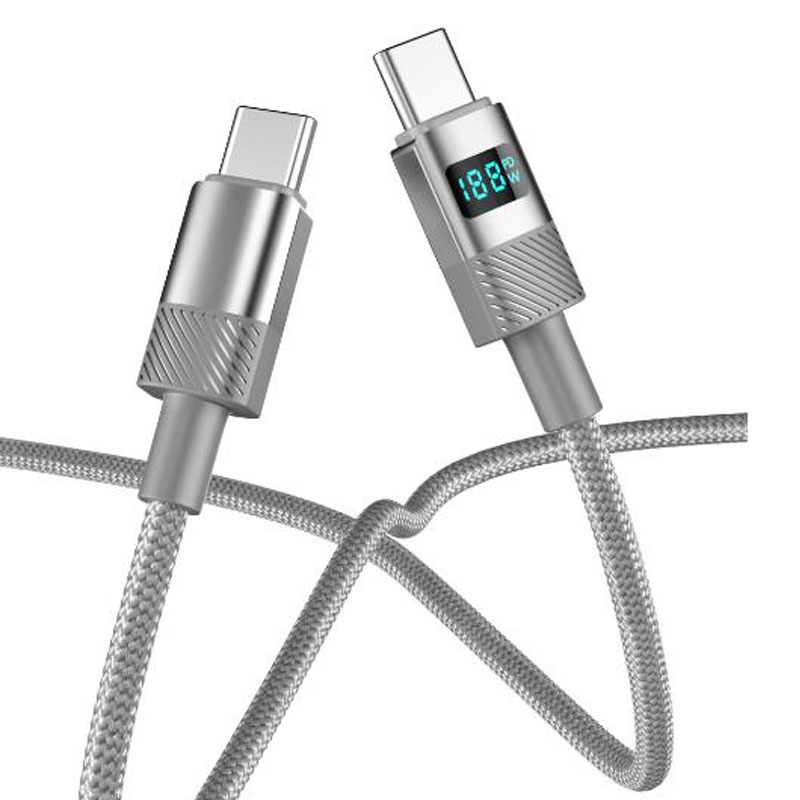
Equipped with a high-precision electrical energy metering chip that calculates and displays real-time charging power (unit: W), directly reflecting actual charging efficiency.
Features a 0.96-inch high-definition digital tube display with adjustable brightness to suit different ambient lighting conditions, ensuring clear and readable data.
Breaks through the limitation of traditional displays that only show current (A) and voltage (V), enabling users to truly understand the energy input during device charging.
Intelligent Charging Status Monitoring
Monitors charging power changes in real-time and automatically identifies charging stages (fast charging/standard charging/trickle charging).
Includes abnormal charging alerts (e.g., poor contact, unstable power) to enhance safety during use.
48-Strand Braiding + Aluminum Alloy Reinforced Structure
The tight braiding process provides excellent tensile strength and tangle resistance, tested to withstand up to 80N of pulling force.
The aluminum alloy digital display module housing is precision CNC-machined, offering both effective heat dissipation and protective performance.
Gold-plated connectors ensure stable conductivity and oxidation resistance.
Multi-Protocol Intelligent Compatibility
Automatically recognizes connected device types and intelligently matches mainstream fast-charging protocols such as PD3.0, QC3.0, and AFC.
Fully compatible with various digital devices including smartphones, tablets, and laptops.
Use Cases
Real-time monitoring of charging efficiency for tech enthusiasts and professional users.
Daily charging and data transfer needs for users with multi-brand devices.
Charger performance testing and device compatibility verification.
Office, travel, and other scenarios that prioritize charging transparency and safety.
Technical Features
Display Accuracy: ±1.5% (within rated power range)
Refresh Rate: 2 times per second
Operating Voltage Range: 3-21V
Operating Temperature: -10°C to 50°C
Display Content: Real-time power (W), charging status indication
Usage Recommendations
Before first use, ensure the connector is fully inserted to obtain accurate power readings.
Avoid prolonged immersion or exposure of the digital display module to extreme temperature environments.
For cleaning, gently wipe the display area with a soft, dry cloth.
For optimal performance and display accuracy, use with the original or certified fast-charging adapters.


 2026 New 240W Type-C Cable USB C Adapter with PD Fast Charging Pure Copper Conductor Silicone Jacket
 2026 New Stand Data Cable 240W Type C to Type C Cable with Travel Holder Adapter for Xiaomi Huawei L
 2026 NEW 240W Fast Charging Cable with Phone Stand Nylon Braided Cable USB C Type C Data Cable PD3.1
 ST-BTR002 Forming Bluetooth receiver Stable and non lagging in car Bluetooth audio cable
 ST-YP-31 L1 type L-dual 3.5mm audio TYPE-C audio head to 3.5mm charging+3.5mm audio socket
 ST-YP-103 Type-C Audio & Charging 2-in-1 Cable (Braided Short Version)
 ST-YP-101 Type-C to 3.5mm High-Elasticity Audio Cable (Zinc Alloy Spring Cable Edition)
 ST-YP-102 Lightning to Bluetooth Audio Transmitter (Braided Transparent Short Version)

 Quote within 24 hours manually
 Quote automatically by the system
 3D design and render
 Sampling within 7 days