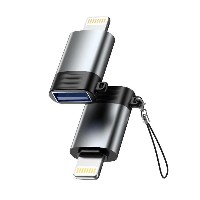
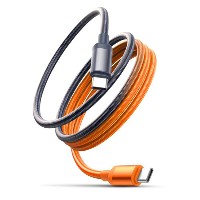
ST300 LED Fast Charging Braided Data Cable
Product Overview
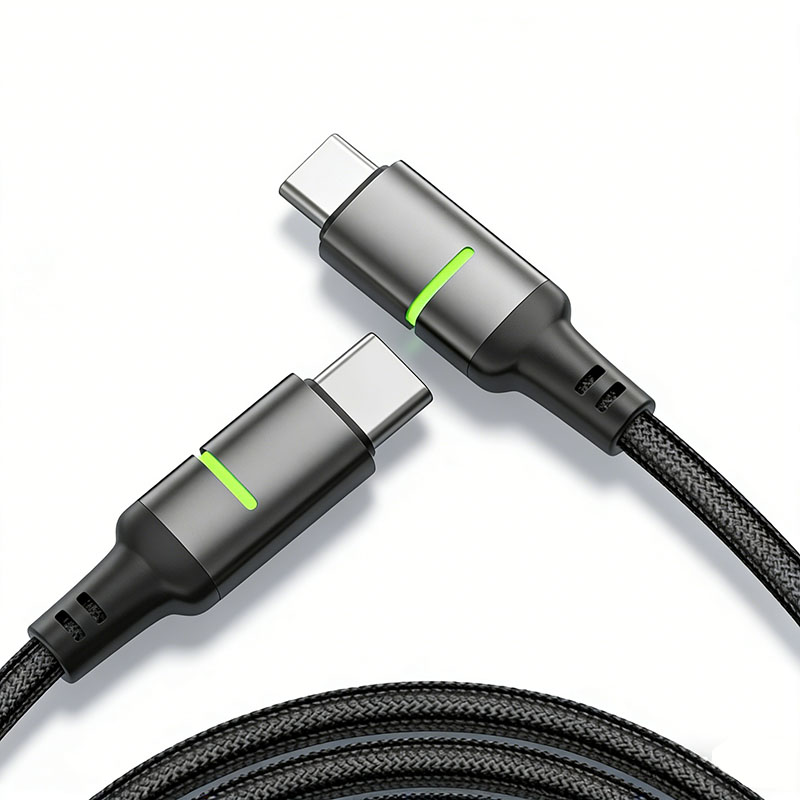
The ST300 series is an intelligent fast-charging data cable that combines durable braided craftsmanship with a constant LED status indicator. By integrating a green constant-bright indicator light into the cable housing, it provides users with clear and intuitive feedback on power status, ensuring the charging process is easily visible at a glance. This series offers four connector specifications (USB to Lightning/Micro/Type-C, as well as Type-C to Type-C/Type-C to Lightning). Each connector is available as a separate SKU. Please select the corresponding model based on the actual port type of your device.
Key Specifications
Performance Specifications
USB to Micro/Lightning/Type-C Variants: Support 5V/2.4A (up to 12W) charging and data transfer
60W Type-C to Type-C Variant: Supports 20V/3A (up to 60W) PD fast charging
30W Type-C to Lightning Variant: Supports 9V/3A (up to 30W) fast charging
Full Series Functionality: All variants support simultaneous charging and data transfer
Key Selling Points
Housing-Mounted Constant LED Indicator: The connector housing is integrated with a green constant-bright indicator light that remains illuminated when powered, intuitively displaying the power connection status and helping users quickly confirm proper connection, especially in low-light environments.
48-Strand Braided Durability: Crafted with a dense 48-strand braided process, the cable body is tightly woven, wear-resistant, and resistant to pulling and tangling. It is less prone to fraying or breaking during daily use, significantly extending its lifespan.
Intelligent Adaptive Fast Charging: Equipped with an intelligent recognition chip that automatically matches the charging protocol of connected devices, providing safe and efficient fast charging from 12W to 60W for smartphones, tablets, laptops, and more.
Alloy Connector for Stable Connection: The aluminum alloy connectors are precision-machined and surface-treated for smooth plugging and unplugging, stable contact, and resistance to oxidation and wear, ensuring long-term reliability.
Use Cases
Suitable for daily charging and data transfer of various digital devices such as smartphones, tablets, laptops, and gaming consoles. Particularly ideal for nighttime use, office desk organization, multi-device charging management, and other scenarios, helping users easily monitor charging status and enhance the overall experience.


 2026 New 240W Type-C Cable USB C Adapter with PD Fast Charging Pure Copper Conductor Silicone Jacket
 2026 New Stand Data Cable 240W Type C to Type C Cable with Travel Holder Adapter for Xiaomi Huawei L
 2026 NEW 240W Fast Charging Cable with Phone Stand Nylon Braided Cable USB C Type C Data Cable PD3.1
 ST-BTR002 Forming Bluetooth receiver Stable and non lagging in car Bluetooth audio cable
 ST-YP-31 L1 type L-dual 3.5mm audio TYPE-C audio head to 3.5mm charging+3.5mm audio socket
 ST-YP-103 Type-C Audio & Charging 2-in-1 Cable (Braided Short Version)
 ST-YP-101 Type-C to 3.5mm High-Elasticity Audio Cable (Zinc Alloy Spring Cable Edition)
 ST-YP-102 Lightning to Bluetooth Audio Transmitter (Braided Transparent Short Version)

 Quote within 24 hours manually
 Quote automatically by the system
 3D design and render
 Sampling within 7 days