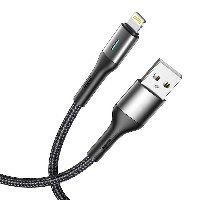
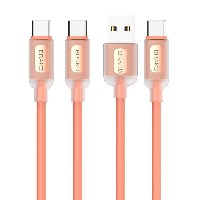
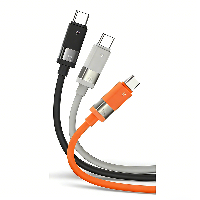
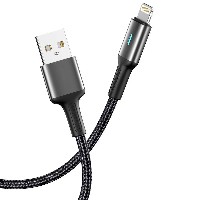
ST298 Silicone Data Cable
Model: ST298
Connector Types: USB to Lightning / Micro USB / Type-C / Type-C to Type-C
Length: 1 meter
Material: High-quality Silicone
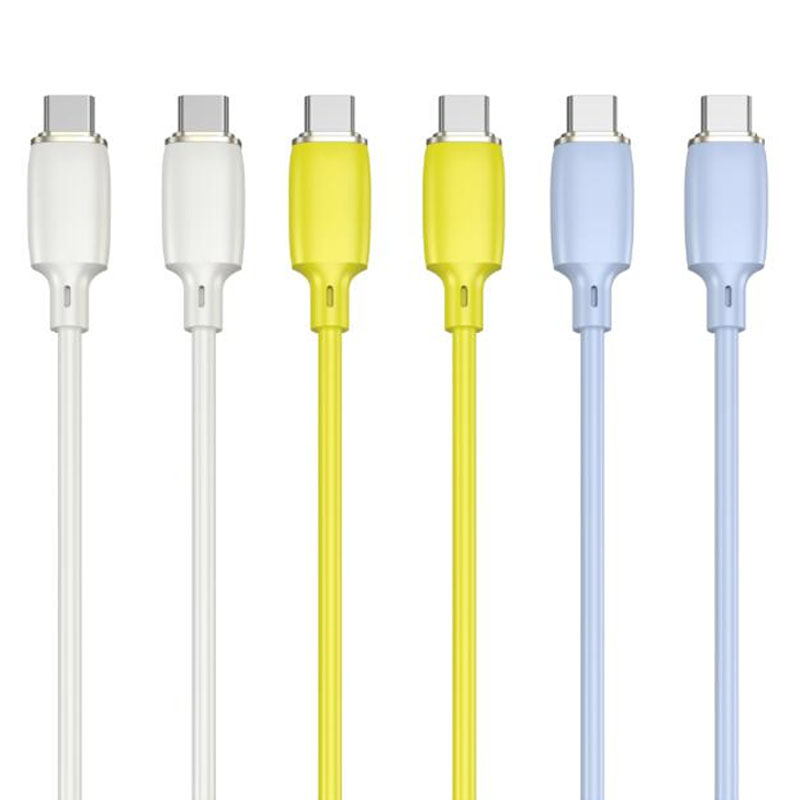
Color: Classic Black / Minimalist White
Product Features & Selling Points:
Pure Silicone Integrated Design, Flexible & Durable: Made of seamless molded silicone material, the cable body is soft, bend-resistant, and exhibits excellent stretch recovery, resistant to breakage or tangling.
Stable Transmission & Efficient Fast Charging: Features an enhanced internal wire structure, supporting stable data transfer and multi-protocol fast charging for efficient and consistent charging speeds.
Comprehensive Performance Specifications:
USB to Lightning/Micro/Type-C: Supports 5V/2.4A (up to 12W) charging, meeting daily charging and data transfer needs for smartphones, tablets, and other devices.
60W Type-C to Type-C: Supports 20V/3A (60W) high-power fast charging, suitable for laptops, high-performance tablets, and devices supporting PD fast charging.
30W Type-C to Lightning: Supports 9V/3A (27W) fast charging, providing a faster charging experience for Apple devices.
Robust Structure, Long-lasting Reliability: Cable structure: (55/0.08BS+250D)*2C + (16/0.08BS+250D)*3C, ensuring stable power transmission and strong anti-interference capabilities.
Wide Compatibility, Plug-and-Play: Compatible with mainstream device interfaces and most smartphones, tablets, and other digital products. Ready to use without additional drivers.
Technical Specifications:
Structure: (55/0.08BS+250D)*2C + (16/0.08BS+250D)*3C
USB to Lightning/Micro/Type-C: 5V/2.4A
60W Type-C to Type-C: 20V/3A
30W Type-C to Lightning: 9V/3A
Applicable Scenarios: Suitable for fast charging and data synchronization of various smartphones, tablets, laptops, power banks, and other devices. A reliable accessory for daily work, travel, and on-the-go use.


 2026 New 240W Type-C Cable USB C Adapter with PD Fast Charging Pure Copper Conductor Silicone Jacket
 2026 New Stand Data Cable 240W Type C to Type C Cable with Travel Holder Adapter for Xiaomi Huawei L
 2026 NEW 240W Fast Charging Cable with Phone Stand Nylon Braided Cable USB C Type C Data Cable PD3.1
 ST-BTR002 Forming Bluetooth receiver Stable and non lagging in car Bluetooth audio cable
 ST-YP-31 L1 type L-dual 3.5mm audio TYPE-C audio head to 3.5mm charging+3.5mm audio socket
 ST-YP-103 Type-C Audio & Charging 2-in-1 Cable (Braided Short Version)
 ST-YP-101 Type-C to 3.5mm High-Elasticity Audio Cable (Zinc Alloy Spring Cable Edition)
 ST-YP-102 Lightning to Bluetooth Audio Transmitter (Braided Transparent Short Version)

 Quote within 24 hours manually
 Quote automatically by the system
 3D design and render
 Sampling within 7 days