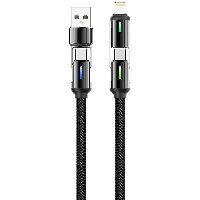
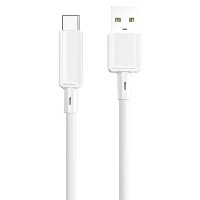
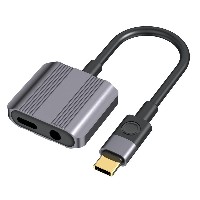
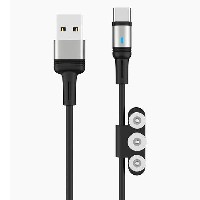
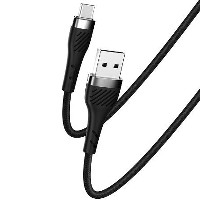
ST46 CB189 Aluminum Alloy Data Cable
Model: ST46 (CB189)
Connector Types: USB to Lightning / Micro USB / Type-C / Type-C to Type-C
Length: 1 meter
Colors: Classic Black / Energy Green / Minimalist White
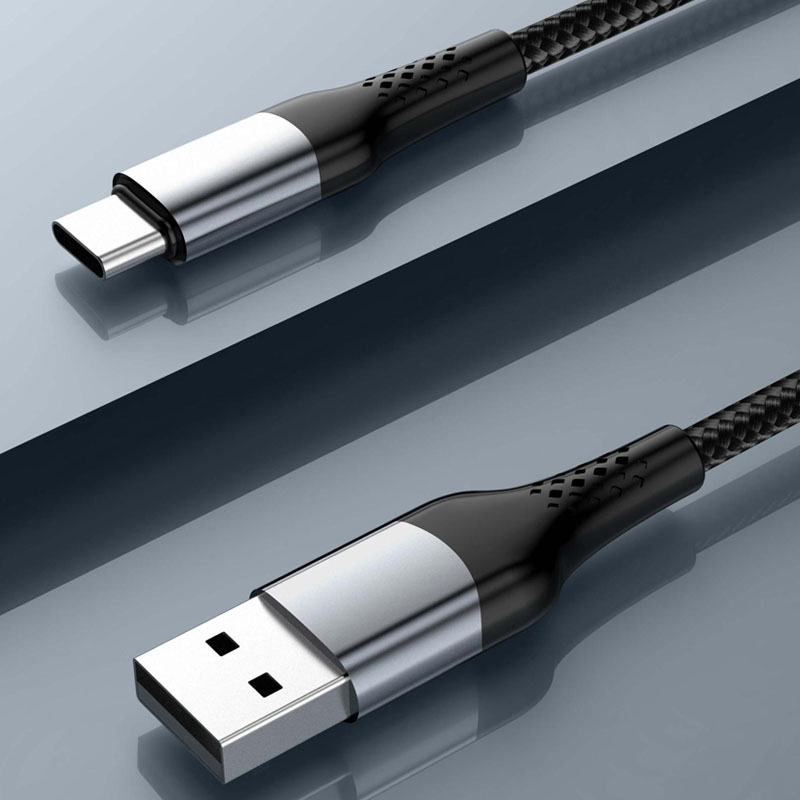
Material: Braided Outer Layer + Aluminum Alloy Connector
Product Features & Selling Points:
Bestselling Extended Model, Stable and Reliable Performance
As a highly acclaimed extended and upgraded product, it inherits mature design and optimizes the internal structure to ensure long-term stability and compatibility.
3A High-Current Output, Efficient Fast Charging Experience
Supports up to 3A output current, paired with an intelligent chip for precise device power matching, significantly reducing charging wait time and improving charging efficiency.
Braided-Alloy Dual Composite, Rugged and Durable
High-density braided cable body effectively resists daily wear and tear, while precision aluminum alloy connectors provide stable connections and excellent heat dissipation, extending overall service life.
Full-Protocol Fast Charging Support, Wide Compatibility
USB to Lightning/Micro/Type-C
Supports stable 5V/2.4A (12W) output, meeting daily charging and data transfer needs for smartphones, tablets, and other devices.
60W Type-C to Type-C
Supports 20V/3A (60W) high-power fast charging, suitable for laptops, high-performance tablets, and devices compatible with PD fast-charging protocols.
30W Type-C to Lightning
Supports 9V/3A (27W) fast charging, providing efficient charging support for iPhone devices.
Flexible Cable Body, Easy to Maintain and Convenient to Use
The cable is soft and bend-resistant, with a braided surface that resists tangling, making it suitable for various scenarios such as office, travel, and home use.
Technical Specifications:
USB to Lightning/Micro/Type-C Cable Structure:
(43/0.08BS+250D) × 2C + (10/0.08BS+250D) × 2C
60W Type-C to Type-C Cable Structure:
(55/0.08BS+250D) × 2C + (16/0.08BS+250D) × 3C
30W Type-C to Lightning Cable Structure:
(55/0.08BS+250D) × 2C + (16/0.08BS+250D) × 3C
Applicable Scenarios:
Office professionals and tech enthusiasts seeking efficient charging and reliable performance
Scenarios requiring fast charging support for multiple types of devices
Daily charging and data synchronization for various devices, including smartphones, tablets, and laptops
Stable power supply and data transfer needs in environments such as homes, offices, and during travel


 2026 New 240W Type-C Cable USB C Adapter with PD Fast Charging Pure Copper Conductor Silicone Jacket
 2026 New Stand Data Cable 240W Type C to Type C Cable with Travel Holder Adapter for Xiaomi Huawei L
 2026 NEW 240W Fast Charging Cable with Phone Stand Nylon Braided Cable USB C Type C Data Cable PD3.1
 ST-BTR002 Forming Bluetooth receiver Stable and non lagging in car Bluetooth audio cable
 ST-YP-31 L1 type L-dual 3.5mm audio TYPE-C audio head to 3.5mm charging+3.5mm audio socket
 ST-YP-103 Type-C Audio & Charging 2-in-1 Cable (Braided Short Version)
 ST-YP-101 Type-C to 3.5mm High-Elasticity Audio Cable (Zinc Alloy Spring Cable Edition)
 ST-YP-102 Lightning to Bluetooth Audio Transmitter (Braided Transparent Short Version)

 Quote within 24 hours manually
 Quote automatically by the system
 3D design and render
 Sampling within 7 days