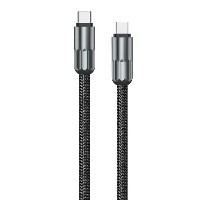
ST320 4-in-1 Digital Display Multifunction Fast Charging Data Cable
Product Overview
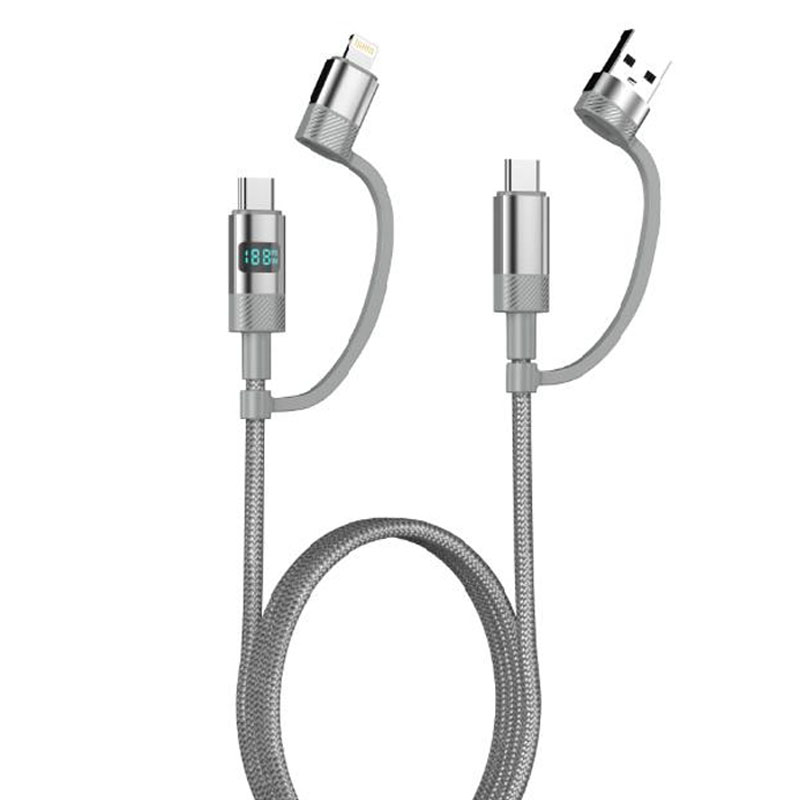
ST320 is a revolutionary fast charging data cable that integrates intelligent digital display with 4-in-1 connectivity. It combines five connection functions—USB to Lightning, USB to Micro, USB to Type-C, Type-C to Type-C, and Type-C to Lightning—into a single cable body, and features a high-definition display screen to monitor charging power in watts (W) in real time. It truly achieves an "all-in-one cable, visible charging" solution for all scenarios.
Key Specifications
Length: 1 meter
Material: TPE inner layer + 48-strand braided middle layer + Aluminum alloy digital display housing
Colors: Intelligent Black / Cloud White
Internal Wire Structure: (65/0.08BS+250D)*4C + (16/0.08BS+250D)*3C
Performance Specifications
USB to Lightning/Type-C: Supports 5V/2.4A (12W) charging and data transfer
Type-C to Type-C: Supports 20V/3A (60W) PD fast charging
Type-C to Lightning: Supports 9V/3A (30W) fast charging
Full Functionality: Supports simultaneous charging and data transfer, compatible with multiple fast-charging protocols
Key Selling Points
4-in-1 Intelligent Switching Cable Body
Integrates five mainstream interface modes: USB-A to Lightning/Micro/Type-C, Type-C to Type-C, and Type-C to Lightning, with one-touch switching via a rotating/sliding modular interface.
The aluminum alloy integrated digital display housing includes a precision switching mechanism, supporting over 10,000 mode-switching cycles.
Watt-Level Power Digital Display
Built-in high-precision power monitoring chip displays real-time charging power in watts (W), breaking the market limitation of only showing current (A) and voltage (V).
A 1.2-inch high-definition LCD screen clearly shows real-time power, charging status, and protocol information, with automatic brightness adjustment via ambient light sensing.
Intelligent Full Protocol Compatibility
Automatically recognizes connected device types and intelligently matches mainstream fast-charging protocols such as PD, QC, AFC, and PE.
Equipped with a multi-protocol intelligent chip to ensure safe fast charging across all power levels, from smartphones to laptops.
Triple Composite Reinforced Structure
Inner Layer: Highly elastic TPE buffer layer that absorbs daily bending stress.
Middle Layer: 48-strand military-grade braiding, providing over 80N tensile strength.
Outer Layer: Aluminum alloy CNC digital display housing, offering excellent heat dissipation and impact resistance.
Use Cases
Cross-platform multi-device users (using Apple, Android, and Windows devices simultaneously).
Tech enthusiasts and product reviewers.
Travelers (one cable meets charging needs for phones, tablets, laptops, and earphones).
Household shared charging environments (meets charging needs for all family members' devices of different brands).
Technical Features
Display Accuracy: ±1.5% power error
Switching Mechanism Lifespan: ≥10,000 cycles
Operating Temperature: -10°C to 50°C
Data Protocol: Supports USB 2.0 data transfer
Important Notes
A 65W or higher PD charger is required when using 60W PD output.
The digital display function requires power to operate; the adapter must support the corresponding fast-charging protocol.
When switching interfaces, ensure the module is fully engaged for stable contact.
Avoid prolonged exposure of the digital display module to high-temperature and humid environments.


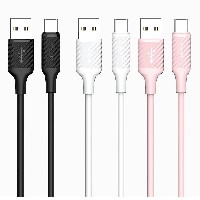
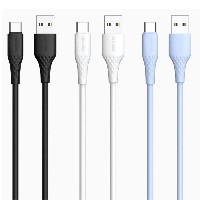
 2026 New 240W Type-C Cable USB C Adapter with PD Fast Charging Pure Copper Conductor Silicone Jacket
 2026 New Stand Data Cable 240W Type C to Type C Cable with Travel Holder Adapter for Xiaomi Huawei L
 2026 NEW 240W Fast Charging Cable with Phone Stand Nylon Braided Cable USB C Type C Data Cable PD3.1
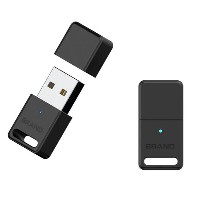
 ST-BTR002 Forming Bluetooth receiver Stable and non lagging in car Bluetooth audio cable
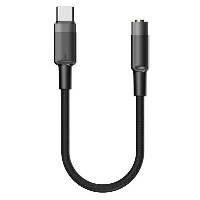
 ST-YP-31 L1 type L-dual 3.5mm audio TYPE-C audio head to 3.5mm charging+3.5mm audio socket
 ST-YP-103 Type-C Audio & Charging 2-in-1 Cable (Braided Short Version)
 ST-YP-101 Type-C to 3.5mm High-Elasticity Audio Cable (Zinc Alloy Spring Cable Edition)
 ST-YP-102 Lightning to Bluetooth Audio Transmitter (Braided Transparent Short Version)

 Quote within 24 hours manually
 Quote automatically by the system
 3D design and render
 Sampling within 7 days