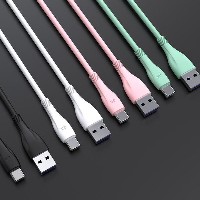
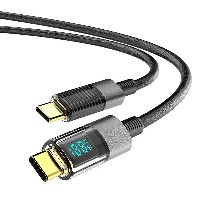
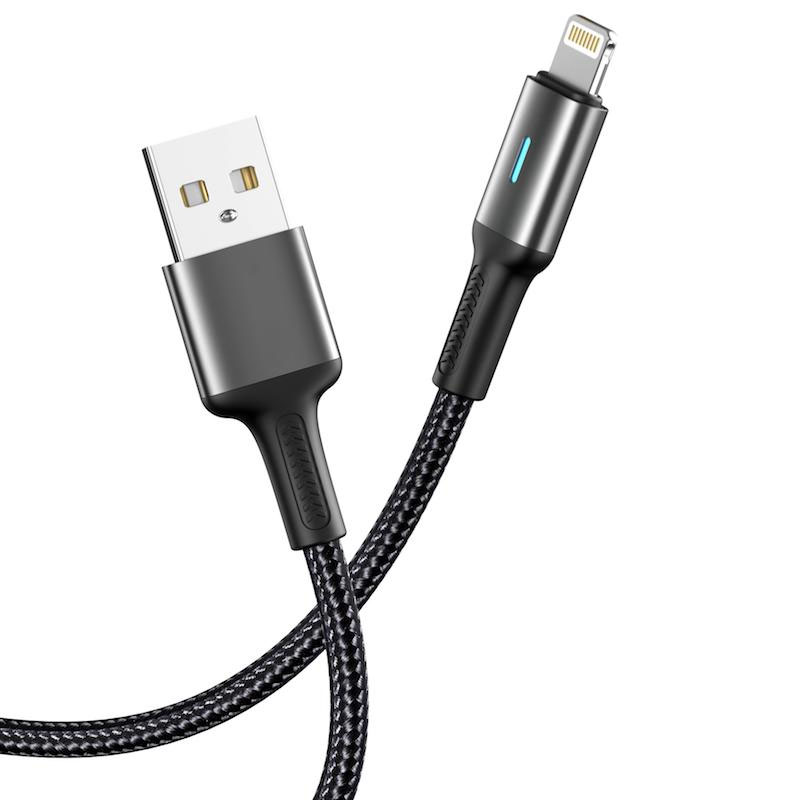
ST44 LED Indicator Data Cable
Model: ST44
Connector Types: USB to Lightning / Micro USB / Type-C / Type-C to Type-C
Length: 1 meter
Colors: Classic Black / Energy Green
Material: Braided Cable Body + Aluminum Alloy Connector
Product Features & Selling Points:
Smart LED Night Light Indicator with Silent Night Mode
Built-in ambient light-sensing LED indicator that automatically turns off in bright daylight or well-lit environments, and gently illuminates at night or in low-light conditions to clearly display charging status without disturbing sleep.
Braided-Alloy Composite Structure, Rugged and Durable
Dense braided outer layer provides excellent wear and tensile resistance, paired with a precision aluminum alloy connector for enhanced plug/unplug durability and overall structural strength.
Full-Protocol Smart Fast Charging, Highly Compatible
USB to Lightning/Micro/Type-C
Supports 5V/2.4A (12W) stable output, meeting daily charging and data transfer needs for smartphones, tablets, and other devices.
60W Type-C to Type-C
Supports 20V/3A (60W) high-power fast charging, suitable for laptops, high-performance tablets, and PD-compatible devices.
30W Type-C to Lightning
Supports 9V/3A (27W) fast charging, providing accelerated charging for iPhone series devices.
Light-Sensing Energy Efficiency, Long-Lasting
The LED module features a photosensitive control circuit that automatically activates or deactivates based on ambient light intensity, effectively reducing energy consumption and extending the indicator's service life.
Flexible and Easy to Maintain, Highly Adaptable to Various Scenarios
The cable body is soft and bend-resistant, with a braided surface that resists tangling, making it suitable for multiple scenarios such as bedside, office desks, and car interiors.
Technical Specifications:
USB to Lightning/Micro/Type-C Cable Structure:
(55/0.08BS+250D) × 2C + (10/0.08BS+250D) × 2C
60W Type-C to Type-C Cable Structure:
(55/0.08BS+250D) × 2C + (16/0.08BS+250D) × 3C
30W Type-C to Lightning Cable Structure:
(55/0.08BS+250D) × 2C + (16/0.08BS+250D) × 3C
Applicable Scenarios:
Environments requiring visual charging indicators at night without disturbing rest, such as bedrooms and dormitories
Scenarios needing intuitive charging status awareness, such as offices and vehicles
Users of digital devices who require clear charging status indications
Daily charging and data synchronization for various devices, including smartphones, tablets, and laptops


 2026 New 240W Type-C Cable USB C Adapter with PD Fast Charging Pure Copper Conductor Silicone Jacket
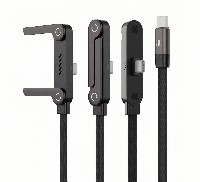
 2026 New Stand Data Cable 240W Type C to Type C Cable with Travel Holder Adapter for Xiaomi Huawei L
 2026 NEW 240W Fast Charging Cable with Phone Stand Nylon Braided Cable USB C Type C Data Cable PD3.1
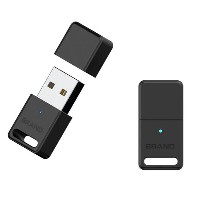
 ST-BTR002 Forming Bluetooth receiver Stable and non lagging in car Bluetooth audio cable
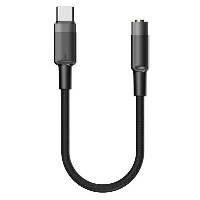
 ST-YP-31 L1 type L-dual 3.5mm audio TYPE-C audio head to 3.5mm charging+3.5mm audio socket
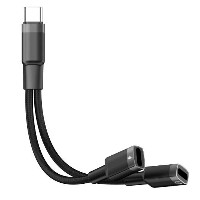
 ST-YP-103 Type-C Audio & Charging 2-in-1 Cable (Braided Short Version)
 ST-YP-101 Type-C to 3.5mm High-Elasticity Audio Cable (Zinc Alloy Spring Cable Edition)
 ST-YP-102 Lightning to Bluetooth Audio Transmitter (Braided Transparent Short Version)

 Quote within 24 hours manually
 Quote automatically by the system
 3D design and render
 Sampling within 7 days