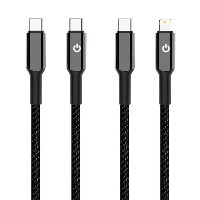
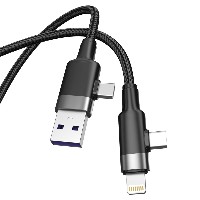
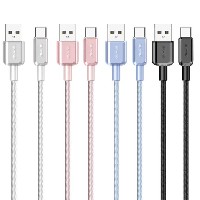
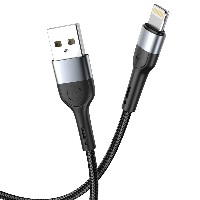
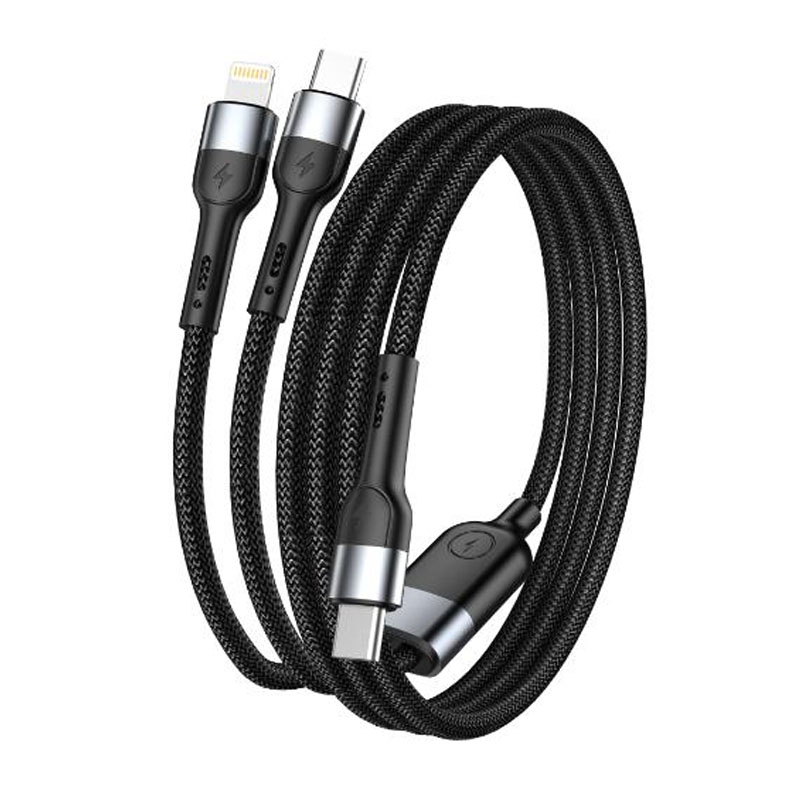
ST229 All-in-Three Fast Charging Alloy Data Cable
Model: ST229
Connector Types: USB-Lightning / Micro-USB / Type-C / Type-C to Type-C
Length: 1.2 meters
Material: 48-strand braided layer + aluminum alloy connector + TPE inner core
Colors: Classic Black / Minimalist White
Operating Temperature: -10°C ~ 45°C
Product Features & Selling Points:
All-in-Three Intelligent Split Charging, Multi-Device Simultaneous Charging
Designed with integrated split-charging technology, this cable supports charging three devices simultaneously from a single USB port. It efficiently distributes power, meets the parallel charging needs of multi-device users, and saves desk space.
High-Quality Aluminum Alloy Shell, Oxidation and Wear Resistant
Connectors feature a one-piece molded aluminum alloy shell with an anodized surface finish, offering excellent oxidation and corrosion resistance. The smooth, refined feel ensures long-lasting durability and a premium look.
Multi-Protocol Intelligent Recognition, Precise Device Compatibility
60W Type-C to Type-C: Supports 20V/3A (60W) PD fast charging, specifically designed for laptops, high-performance tablets, and PD-compatible devices
12W Type-C to Lightning: Supports 5V/2A (10W) output, compatible with stable charging for iPhone and iPad devices
18W Type-C to Micro-USB: Supports 9V/2A (18W) fast charging, suitable for older Android devices, earphones, and other Micro-USB interface devices
Enhanced Core Structure, Stable Charging and Efficient Transmission
Main Cable Structure: (43/0.08BS+250D)*2C + (10/0.08BS+250D)*2C
Type-C Cable Core: (55/0.08BS+250D)*2C + (16/0.08BS+250D)*4C
Micro/Lightning Cable Core: (55/0.08BS+250D)*2C
Made with high-purity oxygen-free copper conductors, supporting 480 Mbps data transfer for fast charging and stable data transmission.
2-in-1 Design Concept, More Convenient for Travel and Office Use
One cable meets the charging needs for three interface types—Lightning, Micro-USB, and Type-C—eliminating the hassle of carrying multiple cables. Ideal for business trips, travel, office work, and home use.
Technical Specifications:
Supported Protocols: Mainstream fast-charging protocols such as PD, QC, AFC, FCP
Data Transfer: USB 2.0 high-speed transmission
Shell Finish: Aluminum alloy anodizing
Applicable Scenarios:
Simultaneous charging scenarios in offices, studies, or multi-device environments
Lightweight charging solutions for business trips and travel
Shared household charging to reduce cable clutter
Compatibility with both old and new devices to meet diverse charging needs


 2026 New 240W Type-C Cable USB C Adapter with PD Fast Charging Pure Copper Conductor Silicone Jacket
 2026 New Stand Data Cable 240W Type C to Type C Cable with Travel Holder Adapter for Xiaomi Huawei L
 2026 NEW 240W Fast Charging Cable with Phone Stand Nylon Braided Cable USB C Type C Data Cable PD3.1
 ST-BTR002 Forming Bluetooth receiver Stable and non lagging in car Bluetooth audio cable
 ST-YP-31 L1 type L-dual 3.5mm audio TYPE-C audio head to 3.5mm charging+3.5mm audio socket
 ST-YP-103 Type-C Audio & Charging 2-in-1 Cable (Braided Short Version)
 ST-YP-101 Type-C to 3.5mm High-Elasticity Audio Cable (Zinc Alloy Spring Cable Edition)
 ST-YP-102 Lightning to Bluetooth Audio Transmitter (Braided Transparent Short Version)

 Quote within 24 hours manually
 Quote automatically by the system
 3D design and render
 Sampling within 7 days