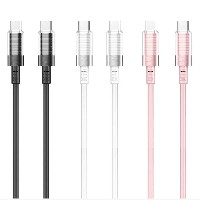
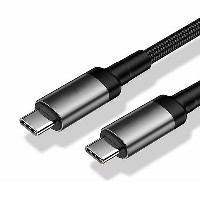
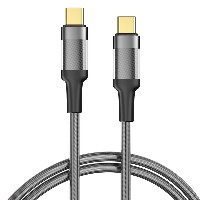
ST310-Cost-effective
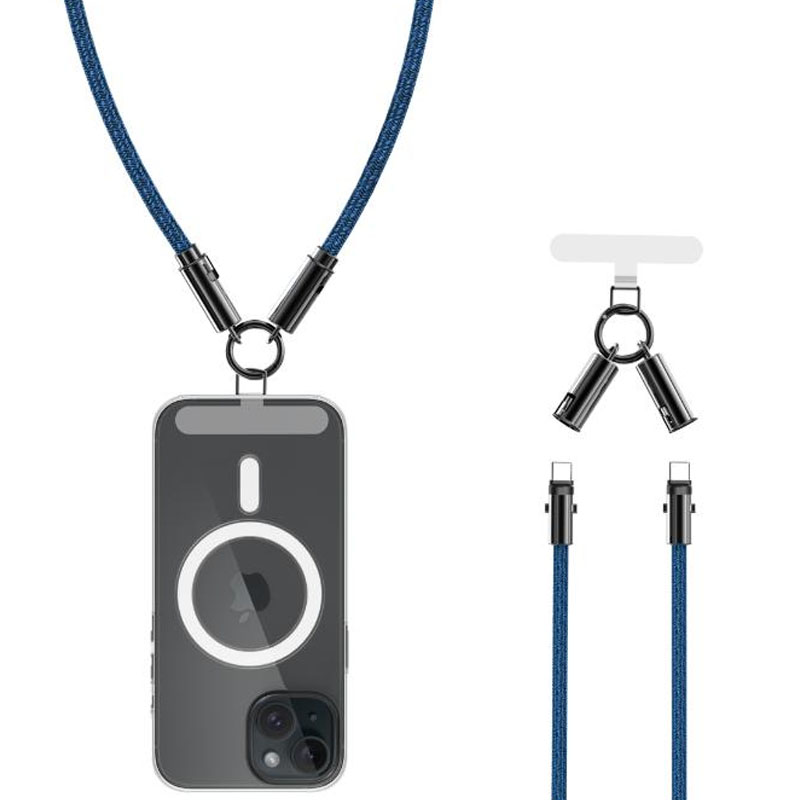
Phone Case Clip Lanyard Data Cable
Model: ST310-Cost-effective
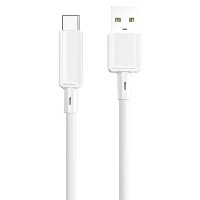
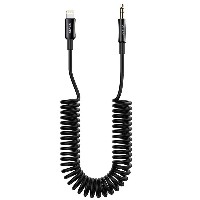
Connector Types: Type-C to Type-C / Type-C to Lightning
Length: 1.2 meters
Material: 48-strand braided cable + Zinc alloy clip + TPE inner core
Color Combinations: Pink/Purple, Gray/Beige, Green/Black, Gold/Brown, Beige/Black/Red, Blue/Black
Cable Diameter: 6.0 mm
Transmission Speed: Up to 480 Mbps
Product Features & Selling Points:
2-in-1 Lanyard & Data Cable, Portable and Practical
Innovatively combines a phone lanyard and data cable, allowing you to securely hang your phone to prevent drops while charging and transferring data—two functions in one, making outings more convenient.
Rotary Buckle Design, Double Security
Features a 360° rotatable zinc alloy buckle that flexibly adapts to different hanging angles, firmly locking onto phone cases to effectively prevent accidental slips. Easy to remove and can also hang other small items.
Reinforced Tensile Structure, Tough and Durable
Combines a 6 mm thick cable diameter with high-density mixed-color cross-braiding, internally reinforced with tensile fibers and high-purity oxygen-free copper conductors for strong tensile resistance and anti-tangling. Excellent load-bearing capacity.
T-Shaped Safety Hanger, Daily Anti-Swing Protection
Equipped with a standard 0.5 mm thickened T-shaped hanger, scientifically distributing pulling force to easily handle daily shaking and swinging, ensuring more stable and secure hanging.
High-Performance Fast Charging, Safe and Efficient
60W Type-C to Type-C
Supports 20V/3A (60W) high-power fast charging, providing rapid power to laptops, tablets, and PD-compatible devices.
30W Type-C to Lightning
Supports 9V/3A (27W) fast charging, compatible with efficient charging for iPhone devices.
Complies with USB industry standards for faster and safer charging.
Strong Load-Bearing Capacity, Multi-Device Charging
Robust load-bearing structure allows charging while hanging up to three iPhone 14 Pro Max-level phones simultaneously without cable breakage, meeting multi-scenario usage needs.
Technical Specifications:
Cable Structure: (55/0.08+500D) * 2C + (16/0.08+250D) * 3C + (1000D) * 1C
Maximum Transmission Speed: 480 Mbps
Fast Charging Protocols: Supports mainstream protocols like PD/QC
Customizable Options: Length and power (supports 100W/240W customization)
Applicable Scenarios:
Mobile scenarios requiring phone drop prevention, such as commuting, travel, or sports
Hands-free charging during outdoor photography, live streaming, or shopping
Practical needs for hanging and charging multiple devices simultaneously
Fashion-forward young users seeking personalized color combinations and functional integration


 2026 New 240W Type-C Cable USB C Adapter with PD Fast Charging Pure Copper Conductor Silicone Jacket
 2026 New Stand Data Cable 240W Type C to Type C Cable with Travel Holder Adapter for Xiaomi Huawei L
 2026 NEW 240W Fast Charging Cable with Phone Stand Nylon Braided Cable USB C Type C Data Cable PD3.1
 ST-BTR002 Forming Bluetooth receiver Stable and non lagging in car Bluetooth audio cable
 ST-YP-31 L1 type L-dual 3.5mm audio TYPE-C audio head to 3.5mm charging+3.5mm audio socket
 ST-YP-103 Type-C Audio & Charging 2-in-1 Cable (Braided Short Version)
 ST-YP-101 Type-C to 3.5mm High-Elasticity Audio Cable (Zinc Alloy Spring Cable Edition)
 ST-YP-102 Lightning to Bluetooth Audio Transmitter (Braided Transparent Short Version)

 Quote within 24 hours manually
 Quote automatically by the system
 3D design and render
 Sampling within 7 days