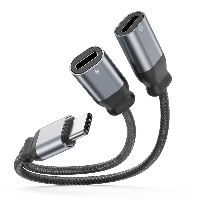
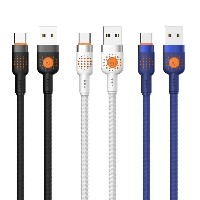
ST43 LED Indicator Data Cable
Model: ST43
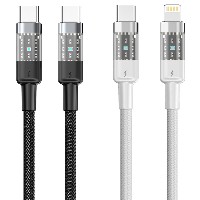
Connector Types: USB to Lightning / Micro USB / Type-C / Type-C to Type-C
Length: 1 meter
Colors: Classic Black / Energy Green
Material: Braided Cable Body + Aluminum Alloy Connector
Product Features & Selling Points:
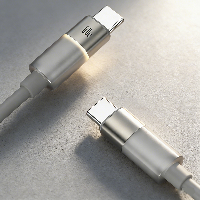
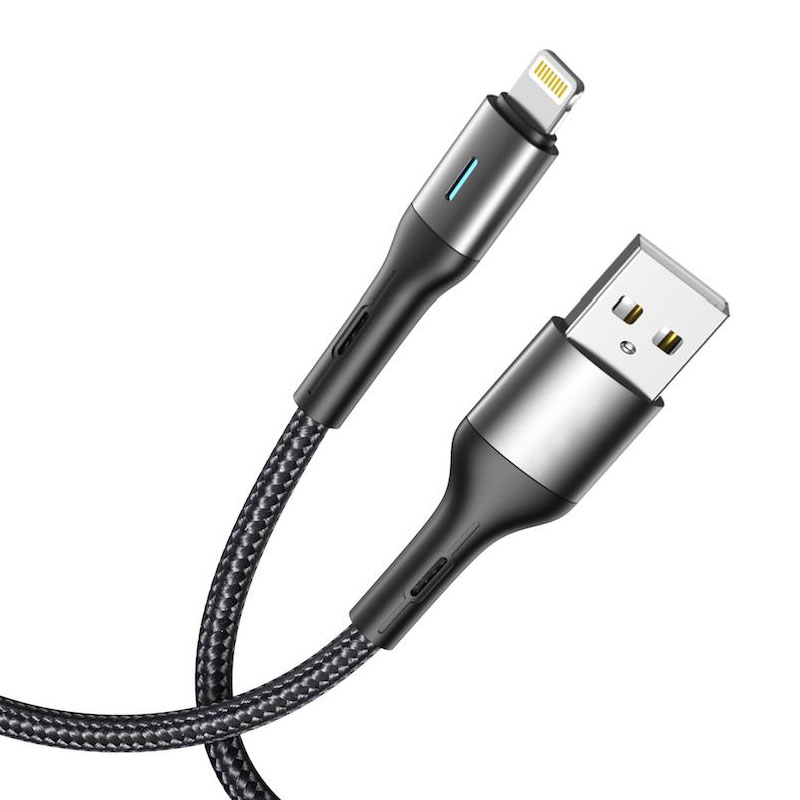
Smart LED Night Light Indicator, Non-Disturbing for Night Use: Built-in soft LED indicator light automatically illuminates when powered to indicate charging status. The gentle light is non-glaring and does not disturb rest during nighttime use.
Braided and Aluminum Alloy Combination, Durable with Premium Feel: High-density braided cable body is wear-resistant and tensile-resistant, paired with precision-engineered aluminum alloy connectors, offering a solid structure and a modern technological aesthetic.
Triple Fast Charging Protocol Support, Highly Compatible:
USB to Lightning/Micro/Type-C: Supports 5V/2.4A (12W) charging, meeting daily charging and data transfer needs for devices like smartphones and tablets.
60W Type-C to Type-C: Supports 20V/3A (60W) high-power fast charging, suitable for laptops, high-performance tablets, and devices compatible with PD fast-charging protocols.
30W Type-C to Lightning: Supports 9V/3A (27W) fast charging, providing an accelerated charging experience for iPhone devices.
Intelligent Light-Sensing Control, Energy-Efficient: The LED light features intelligent light-sensing design, automatically adjusting brightness based on ambient light. It remains off during the day to save energy and emits soft light at night for clear indication.
Flexible Cable, Easy to Store, Convenient to Use: The cable is soft and resistant to tangling, can be bent and stored easily, and is suitable for various scenarios such as bedside or office desk use.
Technical Specifications:
USB to Lightning/Micro/Type-C Cable Structure:
(55/0.08BS+250D) * 2C + (10/0.08BS+250D) * 2C
60W Type-C to Type-C Cable Structure:
(55/0.08BS+250D) * 2C + (16/0.08BS+250D) * 3C
30W Type-C to Lightning Cable Structure:
(55/0.08BS+250D) * 2C + (16/0.08BS+250D) * 3C
Applicable Scenarios:
Nighttime charging scenarios requiring status indication, such as bedrooms or dormitories
Occasions needing visual charging status feedback, such as office desks or in-car use
Digital enthusiasts seeking both practicality and visual design
Charging and data transfer for various devices like smartphones, tablets, and laptops


 2026 New 240W Type-C Cable USB C Adapter with PD Fast Charging Pure Copper Conductor Silicone Jacket
 2026 New Stand Data Cable 240W Type C to Type C Cable with Travel Holder Adapter for Xiaomi Huawei L
 2026 NEW 240W Fast Charging Cable with Phone Stand Nylon Braided Cable USB C Type C Data Cable PD3.1
 ST-BTR002 Forming Bluetooth receiver Stable and non lagging in car Bluetooth audio cable
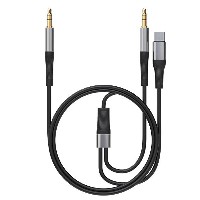
 ST-YP-31 L1 type L-dual 3.5mm audio TYPE-C audio head to 3.5mm charging+3.5mm audio socket
 ST-YP-103 Type-C Audio & Charging 2-in-1 Cable (Braided Short Version)
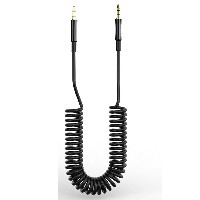
 ST-YP-101 Type-C to 3.5mm High-Elasticity Audio Cable (Zinc Alloy Spring Cable Edition)
 ST-YP-102 Lightning to Bluetooth Audio Transmitter (Braided Transparent Short Version)

 Quote within 24 hours manually
 Quote automatically by the system
 3D design and render
 Sampling within 7 days