ST362 Multi-Color Braided Gradient Magnetic Data Cable
Overview
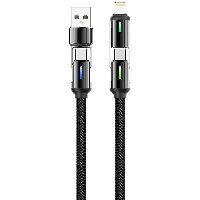
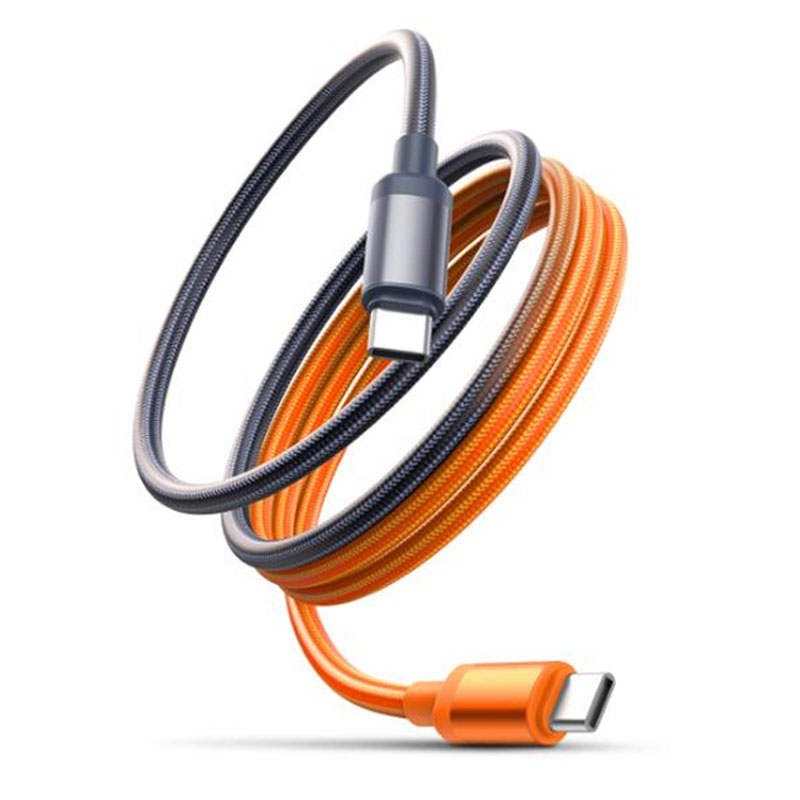
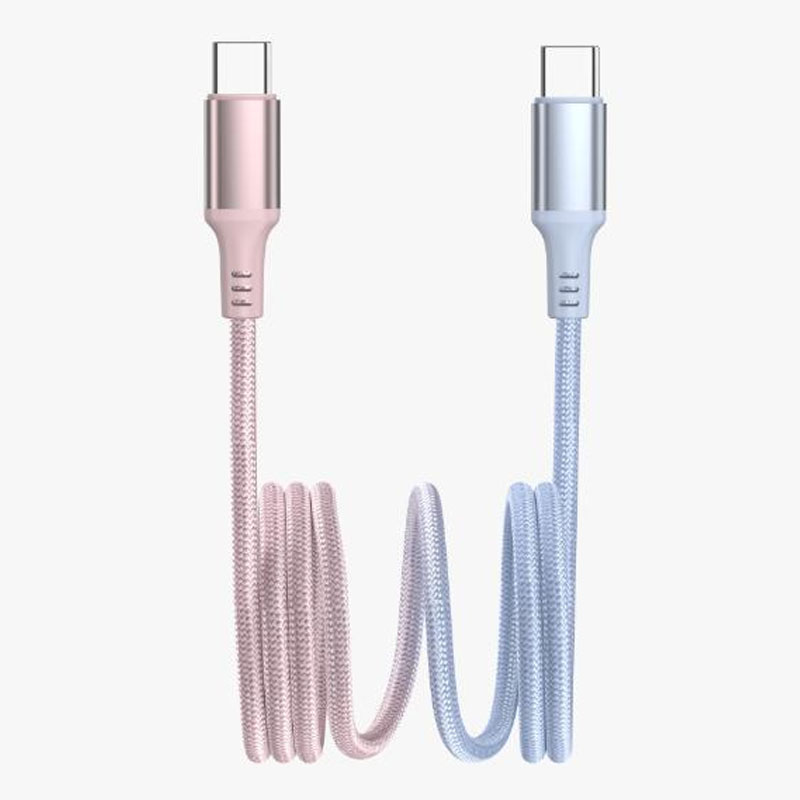
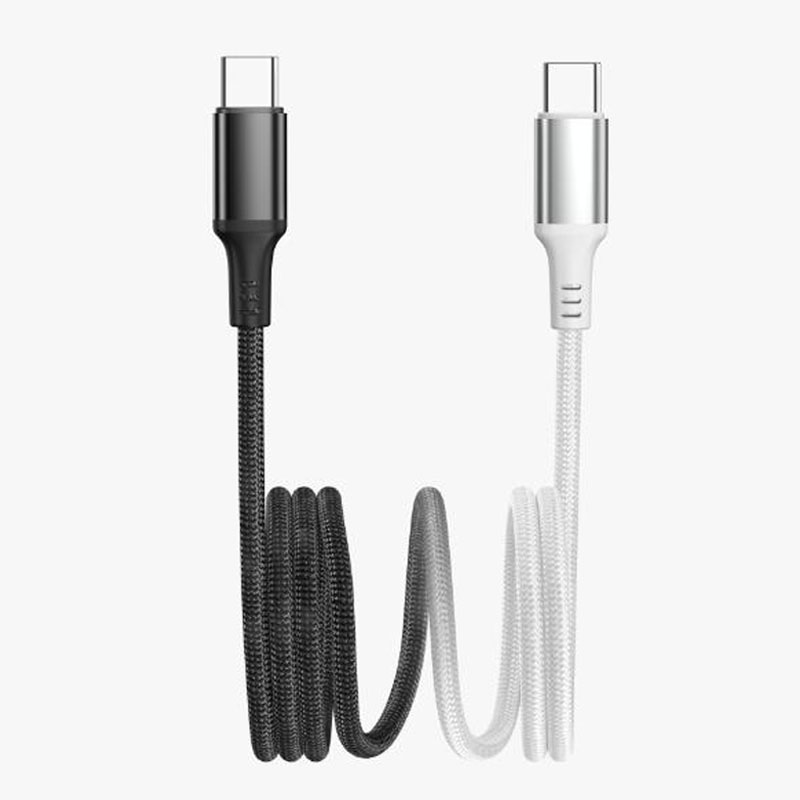
The ST362 is a premium multi-functional braided data cable, designed for both durability and high-speed performance. It supports four customizable interface options, ensuring compatibility with a wide range of devices. Featuring a sleek gradient color design and a robust braided exterior with aluminum alloy connectors, it combines style with reliability.
Interface Options
Key Specifications
Length: 1 meter
Material: High-quality braided nylon + aluminum alloy housing
Color: Gradient color finish (multiple color options available)
Power & Data Specifications:
For USB-Micro/USB-Lightning/Type-C (Standard): 5V/2.4A (up to 12W)
For 60W Type-C to Type-C: Supports 20V/3A, enabling fast charging for laptops, tablets, and high-power devices
For 30W Type-C to Lightning: Supports 9V/3A, optimized for fast charging of Apple devices
Key Selling Points
High-Speed Charging: Delivers up to 60W power for Type-C to Type-C and 30W for Type-C to Lightning, ensuring rapid charging for compatible devices.
Sync & Data Transfer: Supports reliable high-speed data synchronization and file transfer between devices.
Durable & Tangle-Free Design: Reinforced braided nylon sleeve prevents fraying and tangling, while aluminum alloy connectors enhance longevity.
Versatile Compatibility: Customizable with four interface types to meet various device needs (Android, Apple, and other USB-supported devices).
Stylish Gradient Aesthetic: Eye-catching gradient color adds a modern and personalized touch.
Ideal For
Fast charging and data transfer for smartphones, tablets, laptops, and other USB-C/Lightning/Micro USB devices
Users seeking a durable, high-performance cable with customizable connectivity options
Those who value both functionality and design in their tech accessories


 2026 New 240W Type-C Cable USB C Adapter with PD Fast Charging Pure Copper Conductor Silicone Jacket
 2026 New Stand Data Cable 240W Type C to Type C Cable with Travel Holder Adapter for Xiaomi Huawei L
 2026 NEW 240W Fast Charging Cable with Phone Stand Nylon Braided Cable USB C Type C Data Cable PD3.1
 ST-BTR002 Forming Bluetooth receiver Stable and non lagging in car Bluetooth audio cable
 ST-YP-31 L1 type L-dual 3.5mm audio TYPE-C audio head to 3.5mm charging+3.5mm audio socket
 ST-YP-103 Type-C Audio & Charging 2-in-1 Cable (Braided Short Version)
 ST-YP-101 Type-C to 3.5mm High-Elasticity Audio Cable (Zinc Alloy Spring Cable Edition)
 ST-YP-102 Lightning to Bluetooth Audio Transmitter (Braided Transparent Short Version)


 Quote within 24 hours manually
 Quote automatically by the system
 3D design and render
 Sampling within 7 days